
Last updated: October 2026
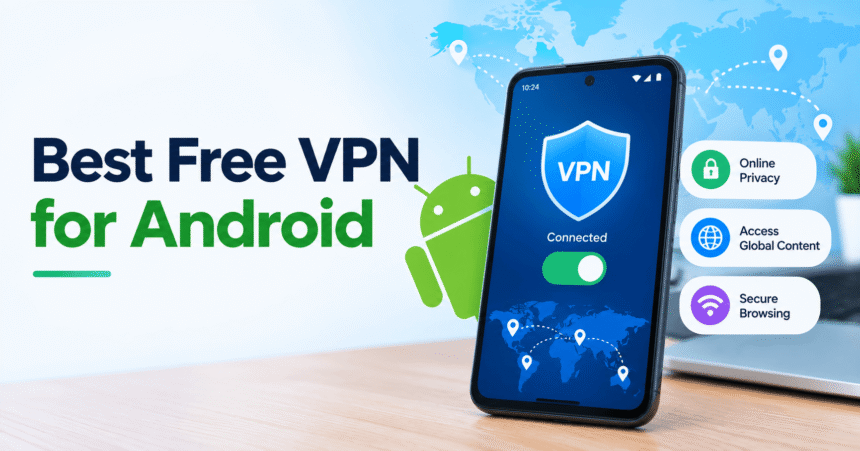
Quick answer: The best free VPN for Android in 2026 is Proton VPN Free. It has no data cap and no ads, and it works with Android’s built-in kill switch. Its limits are one device at a time, no choice of country and no per-app split tunneling. If you need to pick a country, route only some apps or protect several devices, Windscribe Free (10 GB a month) is the better fit. If you want an uncapped app with no sign-up, try hide.me Free.
A free VPN app can encrypt your phone’s traffic on public Wi-Fi, hide your IP address from websites and keep your internet provider from seeing which sites you visit. The catch is that many free VPN apps pay for themselves with ads, trackers or your data. This guide compares the best free VPN apps for Android by data limit, ads, privacy, locations, devices and kill switch support, so you can pick one that does not trade your privacy for a free download.
How we compiled this: the plan details below come from each provider’s own website and Google Play listing as reviewed in October 2026, plus a published comparison of 11 free Android VPN apps. We did not run our own speed tests. Free plans change often, so check the provider’s page before you install.
Key Facts at a Glance
| Question | Short answer |
|---|---|
| What is the best free VPN for Android? | Proton VPN Free: unlimited data, no ads, 10 countries (assigned automatically). |
| Best free VPN with a country choice? | Windscribe Free: 10 countries and 10 GB a month with a confirmed email. |
| Best free VPN with no sign-up? | hide.me Free: no registration, no data cap, 8 locations, one device. |
| Is a free VPN safe? | Only from a trusted provider. Many free apps use trackers or show ads. |
| Do free VPNs have data limits? | Some do (2 GB to 10 GB a month). Proton VPN and hide.me do not. |
| Should I turn on a kill switch? | Yes. Android’s Always-on VPN plus “Block connections without VPN” is the most reliable one. |
What Is a VPN on Android, and What Does It Actually Do?
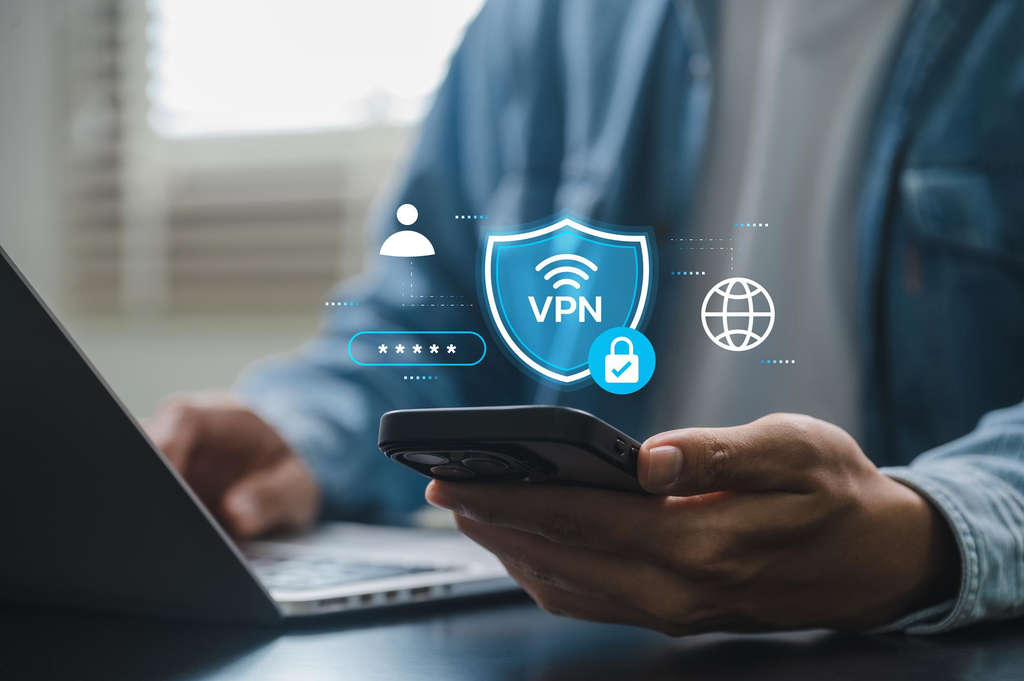
A VPN (virtual private network) creates an encrypted tunnel between your Android phone and a server run by the VPN provider. Websites see the VPN server’s IP address instead of yours, and anyone on the same Wi-Fi network, such as a café or airport, sees only scrambled data.
A VPN is good for protecting your connection on public Wi-Fi, stopping your internet provider from logging the sites you visit, and changing your apparent location. It does not make you anonymous, stop Google or Facebook from tracking you while you are logged in, protect you from phishing or malware, or replace strong passwords. Read our guides on how to spot a phishing email and how to create a strong password to cover those gaps.
The 9 Best Free VPNs for Android in 2026
1. Proton VPN Free: best overall
Proton VPN’s free plan offers unlimited data, servers in 10 countries and no ads. Its Google Play app has over 100 million downloads. On Android the kill switch relies on the system setting, so you must turn on Always-on VPN yourself (see the setup steps below, or Proton’s guide).
Limits: one device at a time, free users cannot choose their country, and per-app split tunneling is a paid feature.
Best for: all-day protection on one phone with nothing to ration.
2. Windscribe Free: best for control and multiple devices
Windscribe’s free plan gives 10 GB a month once you confirm an email (2 GB without one), 10 countries and unlimited simultaneous devices on one account. The Android app lists split tunneling, a firewall kill switch and a built-in blocker for ads, trackers and malware domains.
Limits: the monthly cap.
Best for: people who want to choose a country, send only some apps through the VPN, or cover a phone, tablet and laptop with one account.
3. hide.me Free: best no-registration option
hide.me’s free VPN has no data cap and needs no account: open the app, tap “Get Your Free Plan,” then “Enable VPN.” You can choose from 8 locations on one device at a time, with no ads. The Android app includes Always ON, split tunneling and a kill switch, and it runs on Android 6 or later.
Limits: free speeds are not unlimited, and streaming servers are Premium only.
Best for: older phones and anyone who wants an uncapped VPN without signing up.
4. PrivadoVPN Free: best for video-friendly data
PrivadoVPN is based in Switzerland and gives 10 GB every 30 days with a verified email and no payment card. Free servers are in 10 countries, and the Android app has a free kill switch. After 10 GB it slows you down rather than cutting you off.
Limits: one connection at a time, and the Google Play rating is lower than most rivals (around 3.0 stars).
Best for: a larger monthly allowance when one device is enough.
5. AdGuard VPN Free: best for per-app control and ad blocking fans
AdGuard VPN’s free plan gives 3 GB a month on 2 devices, with a 20 Mbit/s speed cap and a limited set of locations. On Android you can exclude websites and apps or switch to a mode that sends only chosen apps through the VPN. Free users cannot send email in mail apps because AdGuard blocks port 25, although web mail still works.
Best for: light daily use with precise app control.
6. Cloudflare WARP (1.1.1.1): best for simple Wi-Fi protection
Cloudflare WARP is a free app that encrypts your traffic with a quick setup. It is not a location changer: sites see a Cloudflare IP that represents your approximate location, so it will not unlock content from another country. Read the data-safety section on Google Play before installing.
Best for: keeping a café network or your internet provider out of your browsing.
7. Opera Free VPN: best if you already use Opera
The Opera browser for Android includes a free VPN with no account and no bandwidth limit. You can choose from three regions (US, Netherlands, Singapore) or let Opera pick.
Limits: it protects only browsing inside Opera, not your other apps, and the listing shows ads and possible sharing of device IDs.
Best for: private browsing on public Wi-Fi.
8. TunnelBear Free: best for beginners
TunnelBear has a friendly app and a free plan with 2 GB a month. Country selection and split tunneling became paid features after changes announced in December 2025. Free Android users still get its VigilantBear kill switch.
Best for: occasional use when you want the simplest interface.
9. X-VPN Free: best for country choice with ads
X-VPN needs no sign-up, has no data cap and lets you choose from 26 locations. The trade-off is advertising: its Google Play listing says the app contains ads.
Best for: uncapped data with manual country choice if you can tolerate ads.
Free VPN for Android Comparison Table
| VPN | Free data | Free locations | Devices at once | Per-app split tunneling | Ads in app |
|---|---|---|---|---|---|
| Proton VPN | Unlimited | 10 countries (assigned) | 1 | No (paid) | No |
| Windscribe | 10 GB/month (2 GB without email) | 10 countries | Unlimited | Yes | No |
| hide.me | Unlimited | 8 locations | 1 | Yes | No |
| PrivadoVPN | 10 GB/month, then slower | 10 countries | 1 | Not stated | No |
| AdGuard VPN | 3 GB/month | 10 locations | 2 | Yes | No |
| Cloudflare WARP | No cap stated | Nearest server | Not stated | Not listed | No |
| Opera Free VPN | Unlimited (browser only) | 3 regions | Browser only | Not applicable | Yes |
| TunnelBear | 2 GB/month | Assigned | No limit | No (paid) | No |
| X-VPN | Unlimited | 26 | Not stated | Not listed | Yes |
Plan details reflect provider pages and Google Play listings reviewed in October 2026 and may change.
How to Choose a Free VPN for Your Android Phone
- Decide what you need it for. To protect yourself on public Wi-Fi, Proton VPN, hide.me and Cloudflare WARP all work without a cap. To appear in a specific country, rule out Proton VPN, WARP and TunnelBear.
- Match the data cap to your habits. Messaging and email fit within 2 to 3 GB a month. Video does not. If your VPN stays on all day, choose an uncapped plan.
- Check the Google Play data-safety label. It shows whether the app contains ads and whether data is shared with third parties.
- Look for a clear business model. A free VPN with no visible way of making money often pays its bills with your data. Free plans from paid VPN providers (Proton, Windscribe, hide.me) are usually safer because the free tier is a sample of a paid product.
- Look for a kill switch. It blocks internet access if the VPN drops, so your real IP is never exposed.
- Check your Android version. hide.me runs on Android 6 or later, X-VPN on 9 or later and ZoogVPN on 10 or later.
How to Set Up a VPN and Turn On the Kill Switch on Android
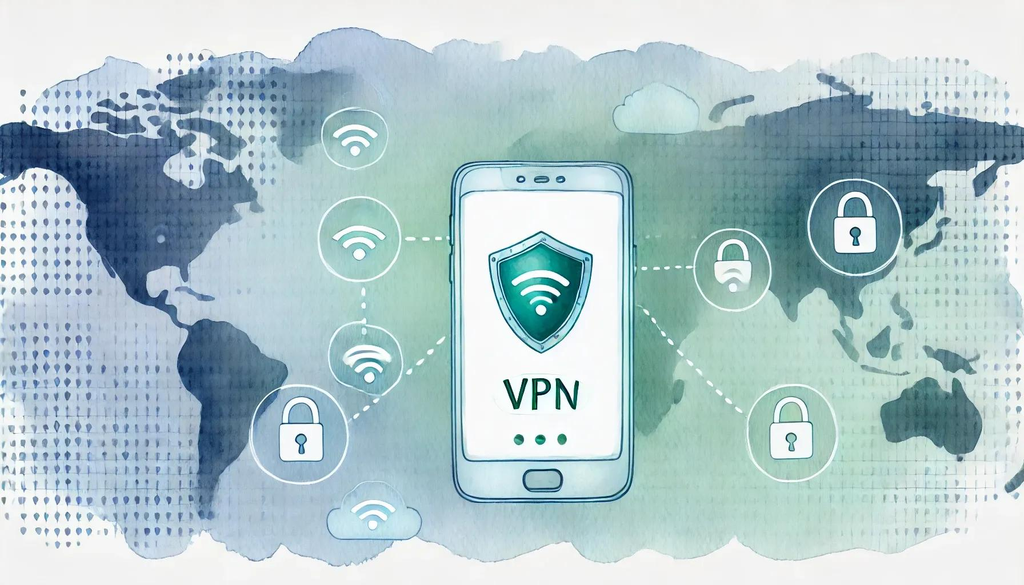
- Install the VPN app from Google Play and sign in if the app requires an account.
- Tap Connect and approve Android’s prompt to allow the VPN connection.
- Open Settings > Network & internet > VPN (on Samsung phones, Settings > Connections > More connection settings > VPN).
- Tap the gear icon next to your VPN app.
- Turn on Always-on VPN and Block connections without VPN.
- Confirm the VPN key icon appears in your status bar.
Menu names vary slightly by phone brand and Android version. If your connection feels slow after setup, see our guides on Wi-Fi troubleshooting and how to clear cache on Android.
Are Free VPNs Safe on Android?
Some are, and some are not. A well-known study by researchers at CSIRO, UC Berkeley and the University of New South Wales analyzed 283 Android VPN apps in 2016. It found that many free apps were not secure: 84% leaked traffic and 18% did not use encryption at all. The study is old and some of the worst apps have since been removed from Google Play, but its lesson still applies. A separate review of 18 popular free VPN apps reported that 17 contained at least one tracker, and many requested broad permissions such as camera, microphone and location (SC Media summary).
To lower your risk:
- Install only from Google Play and check the publisher name.
- Avoid apps that ask for contacts, camera, microphone or SMS permissions.
- Prefer free plans from companies that also sell a paid plan.
- Read the data-safety section on the app’s Google Play listing.
- Avoid “unlimited free” apps with no company information.
Also review your phone’s account privacy settings, because a VPN does not control what apps and websites know about you once you are logged in.
Free VPN vs Paid VPN on Android
| Feature | Free VPN | Paid VPN |
|---|---|---|
| Data | Capped or uncapped, depending on provider | Usually unlimited |
| Speed | Often limited or throttled | Full speed |
| Locations | 3 to 10 in most cases | Dozens of countries |
| Streaming support | Usually blocked or unreliable | Better, but not guaranteed |
| Devices | Often 1 | Often 5 to 10 or more |
| Ads | Possible | No |
For most people who only need protection on public Wi-Fi, a free plan from a reputable provider is enough. If you stream, torrent, travel often or need many devices, a paid plan is more practical.
Common Mistakes to Avoid
- Installing the first VPN you find. Search results and ads for “free VPN” include risky apps.
- Leaving the kill switch off. A dropped connection can expose your real IP address.
- Thinking a VPN makes you anonymous. It does not hide what you do while logged into your accounts.
- Using a free VPN for banking on an unknown app. Use only a provider you trust, or turn the VPN off and use your bank’s own app security.
- Ignoring permissions. A VPN does not need your microphone or contacts.
For more apps worth installing, see our list of 15 useful Android apps and these Android phone tips. You may also want to delete your browsing history after using public devices.
Frequently Asked Questions
What is the best free VPN for Android?
Proton VPN Free is the best free VPN for Android for most people because it has no data cap, no ads and works with Android’s kill switch. Windscribe is better if you need to choose a country or use several devices.
Is there a free VPN for Android with unlimited data?
Yes. Proton VPN and hide.me offer uncapped free plans without ads in the app. X-VPN is also uncapped but shows ads. Cloudflare WARP has no stated cap but keeps your country, and Opera’s VPN covers only the Opera browser.
Is a free VPN safe to use on Android?
A free VPN from a reputable provider can be reasonably safe. Unknown free apps are riskier, because research has found trackers, traffic leaks and excessive permissions in many of them. Check the Google Play data-safety label before installing.
Which free VPN for Android has no ads?
Proton VPN, Windscribe, hide.me, PrivadoVPN, AdGuard VPN and TunnelBear are listed without ads in their apps. X-VPN and Opera’s browser VPN show ads.
Which free VPN for Android needs no registration?
hide.me and X-VPN need no registration. Windscribe works without an email but with a lower 2 GB monthly limit.
Can I choose my country with a free VPN?
Yes, with Windscribe, PrivadoVPN, AdGuard VPN, hide.me and X-VPN. Proton VPN Free and TunnelBear assign your location automatically.
Does a free VPN work for Netflix and streaming?
Usually not reliably. Streaming services block many VPN servers, and free plans have fewer locations and slower speeds. Providers such as hide.me reserve streaming servers for Premium.
Does a VPN slow down my Android phone’s internet?
Yes, a little. Traffic takes a longer route and is encrypted, so speeds drop. Free plans are often slower than paid plans because many users share fewer servers.
Does a VPN drain battery on Android?
Slightly. Encryption and a constant connection use some extra power. Modern protocols such as WireGuard reduce the impact.
Is Cloudflare WARP a VPN?
It works like one for encrypting your traffic, but it does not change your location. Sites see a Cloudflare IP address for your approximate region, so it will not unlock content from other countries.
How do I turn on the VPN kill switch on Android?
Go to Settings > Network & internet > VPN, tap the gear next to your VPN, and turn on Always-on VPN and Block connections without VPN.
Can I use a free VPN on my phone and tablet at the same time?
With Windscribe, yes: one free account works on unlimited devices. AdGuard VPN allows 2 at once. Proton VPN, hide.me and PrivadoVPN limit free users to one connection at a time.
Is using a VPN legal?
VPNs are legal in most countries, but some regulate or restrict them. Check the rules where you live, and remember that illegal activity stays illegal with a VPN on.
Does a VPN protect me from hackers and phishing?
A VPN protects your connection from snooping on public Wi-Fi. It does not stop phishing, malware or account takeovers, so keep your phone updated and use strong, unique passwords.
Should I pay for a VPN instead?
Pay if you stream, travel often, need many devices or want full speed. For occasional Wi-Fi protection, a reputable free plan is enough.
Bottom Line
Install Proton VPN Free if you want one free, uncapped connection you never have to think about. Choose Windscribe if you need to pick your country, send only some apps through the VPN or protect more than one device. Use hide.me if you want an uncapped app with no sign-up. Whichever you choose, turn on Always-on VPN and avoid unknown free apps.