





Latest Technology News

Search
Have an existing account?
Sign In
Technology
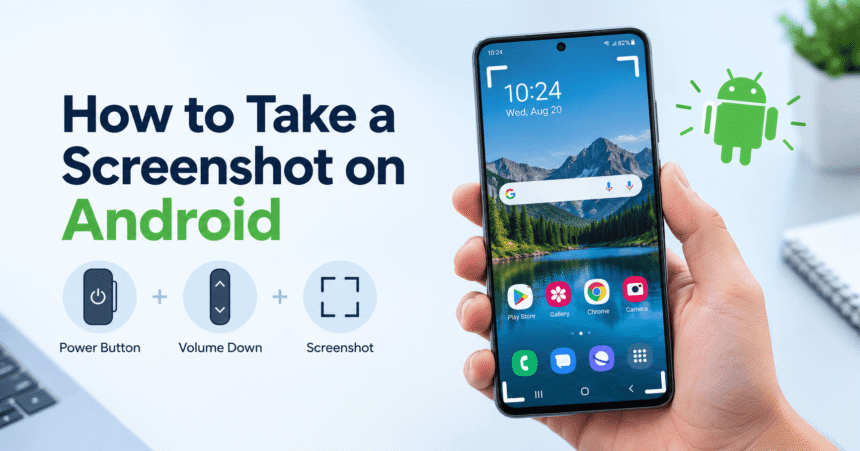
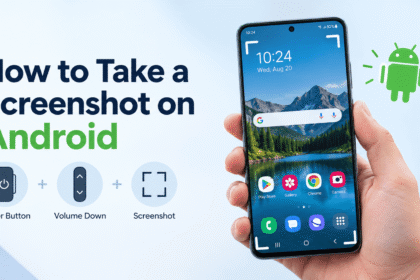
How to Take a Screenshot on Android: Every Method for Any Phone (2026)
How to take a screenshot on Android: press Power and Volume Down together for one second. Learn Samsung, Pixel and…

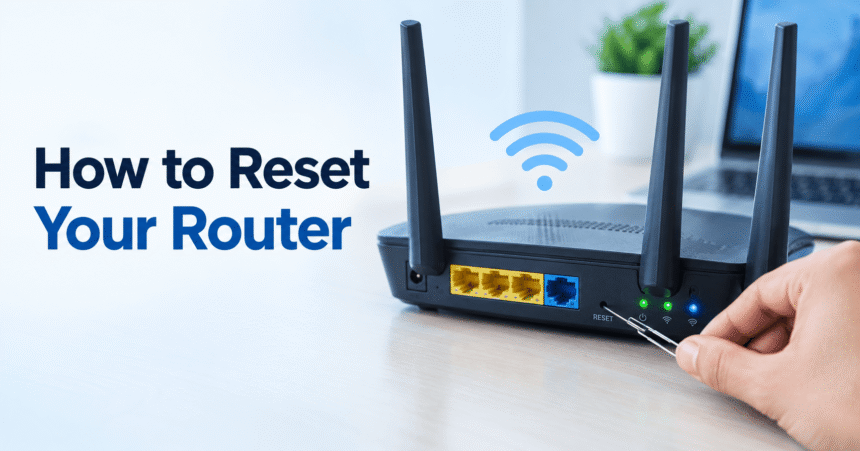
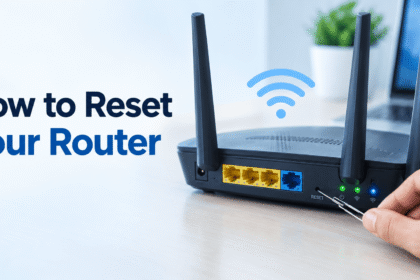
How to Reset a Router: Restart and Factory Reset Guide
Last updated: October 2026 Quick answer: There are two ways to reset a router. A restart (soft reset) means unplugging…

Wi-Fi Troubleshooting: 12 Fixes for Slow or Dropped Wi-Fi
Last updated: October 2026 Quick answer: To fix most Wi-Fi problems, restart your router and modem (unplug for 30 seconds),…

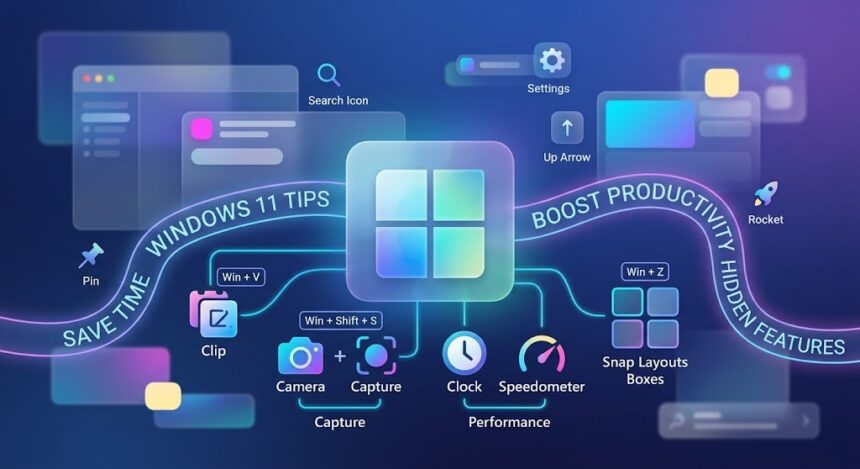
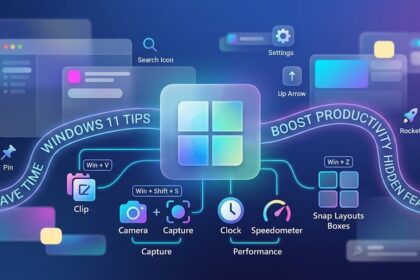
Windows 11 Tips: 25 Shortcuts and Settings That Save Time
Last updated: October 2026 Quick answer: The most useful Windows 11 tips are: use Win + V for clipboard history,…

Android Phone Tips: 15 Useful Features You Should Know
Android phone tips can turn an ordinary phone into a faster, safer and more useful device, and most of them…

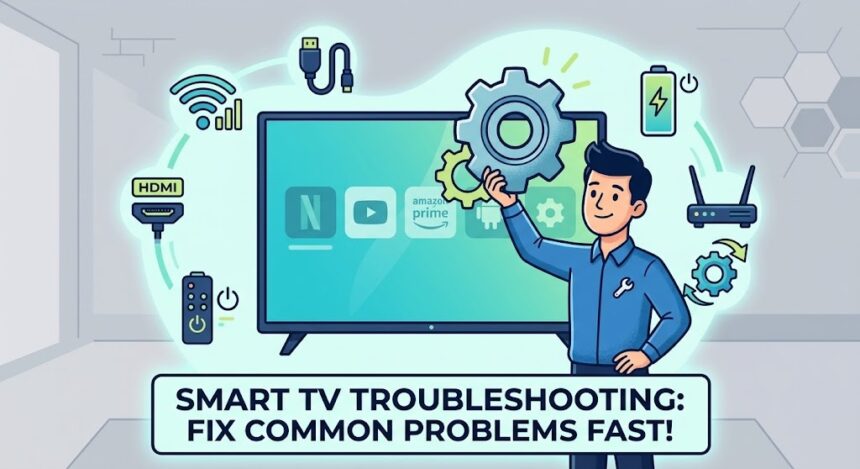
Smart TV Troubleshooting: How to Fix Common Problems Fast
Last updated: October 2026 Quick answer: To fix most smart TV problems, power cycle the TV (unplug it for 60…
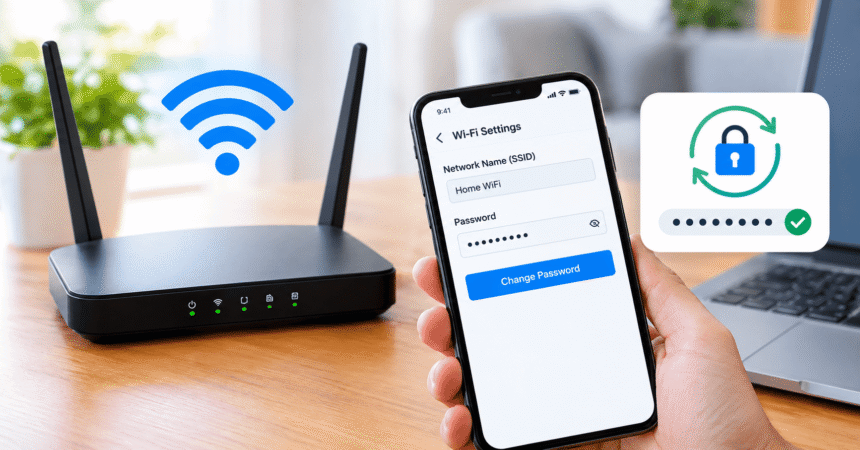
How to Change WiFi Password: Step-by-Step Guide for Any Router
Last updated: October 2026 Quick answer: To change your WiFi password, connect to your network, find your router's IP address…


How to Spot a Phishing Email: 12 Warning Signs and What to Do
How to spot a phishing email: check the sender's real address, look for urgency or threats, hover over links without…
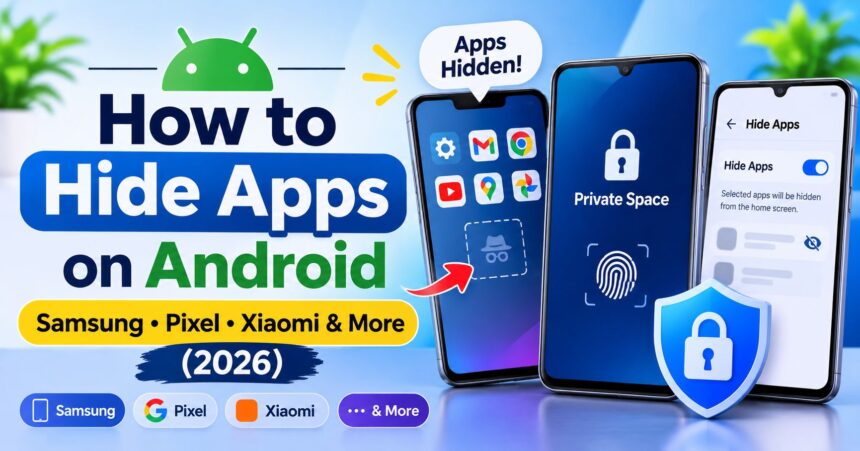
How to Hide Apps on Android: Samsung, Pixel, Xiaomi and More (2026)
How to hide apps on Android: use Private Space on Android 15 or later, Hide apps on Samsung, Hidden apps…
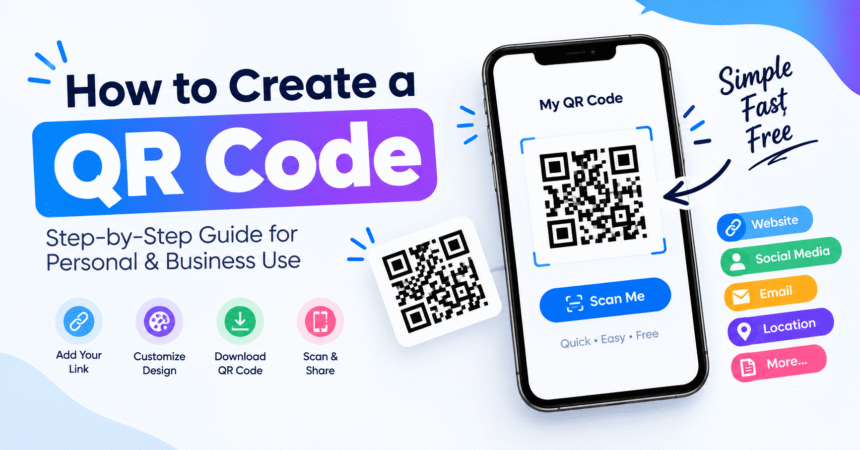
How to Create a QR Code: 5 Free Methods, Step by Step
Last updated: October 2026 Quick answer: To create a QR code, open a free QR code generator, choose the type…


How to Hide Apps on Android: Samsung, Pixel, Xiaomi and More (2026)
How to hide apps on Android: use Private Space on Android 15…
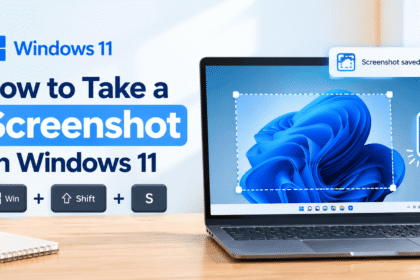
How to Take a Screenshot on Windows 11: 7 Easy Methods (2026)
How to take a screenshot on Windows 11: press Windows + Shift…
How to Take a Screenshot on Android: Every Method for Any Phone (2026)
How to take a screenshot on Android: press Power and Volume Down…
How to Reset a Router: Restart and Factory Reset Guide
Last updated: October 2026 Quick answer: There are two ways to reset…
How to Change WiFi Password: Step-by-Step Guide for Any Router
Last updated: October 2026 Quick answer: To change your WiFi password, connect…
How to Create a QR Code: 5 Free Methods, Step by Step
Last updated: October 2026 Quick answer: To create a QR code, open…
How to Spot a Phishing Email: 12 Warning Signs and What to Do
How to spot a phishing email: check the sender's real address, look…
How to Choose a Laptop: A 12-Step Buying Guide for 2026
How to choose a laptop: start with your budget and main use,…
Wi-Fi Troubleshooting: 12 Fixes for Slow or Dropped Wi-Fi
Last updated: October 2026 Quick answer: To fix most Wi-Fi problems, restart…
Smart TV Troubleshooting: How to Fix Common Problems Fast
Last updated: October 2026 Quick answer: To fix most smart TV problems,…