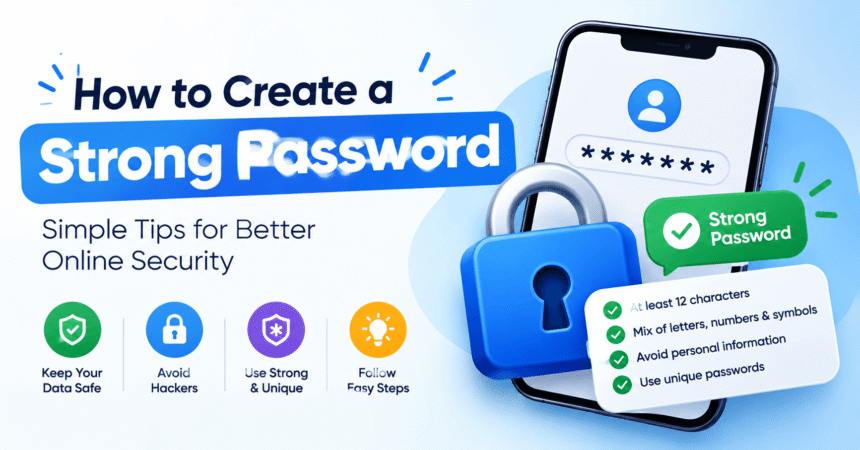
How to Create a Strong Password: 12 Rules That Actually Work
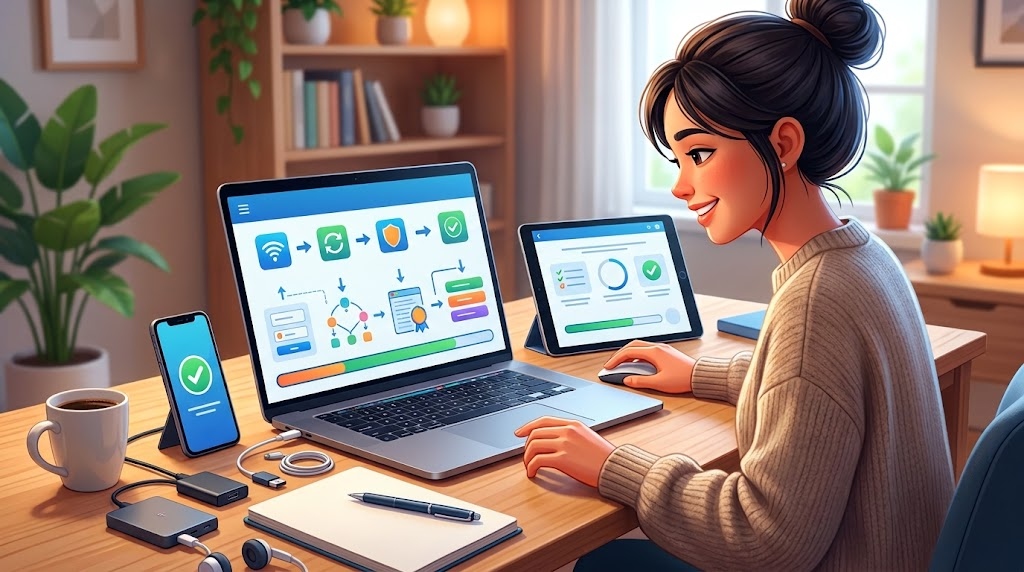
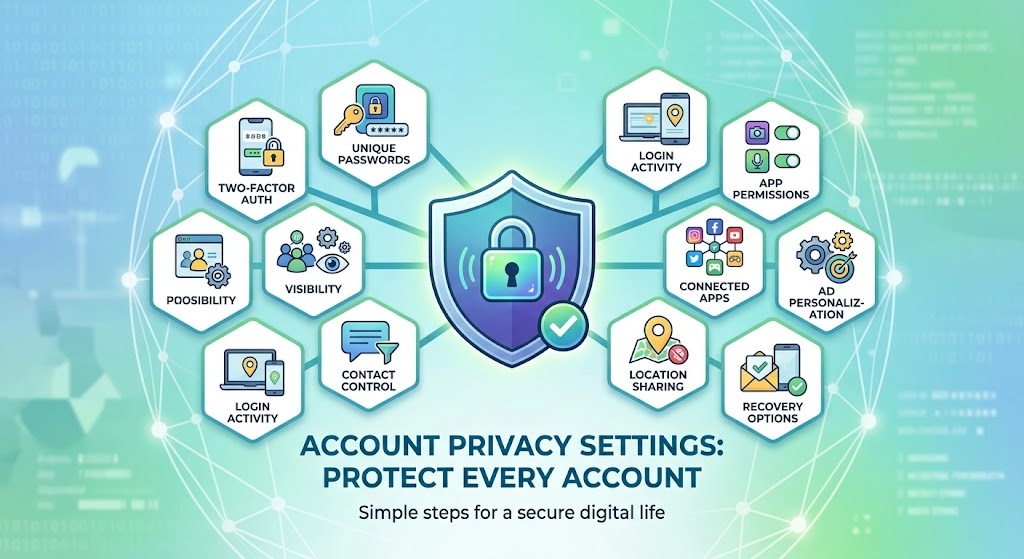
How to create a strong password: make it long (at least 16 characters), random or built from several unrelated words, and unique for every account. The easiest method is to let a password manager generate a random password for you, or to create a passphrase of five to seven unrelated words, such as horse-purple-lantern-bacon-river-shoes. Never reuse a password, never build…

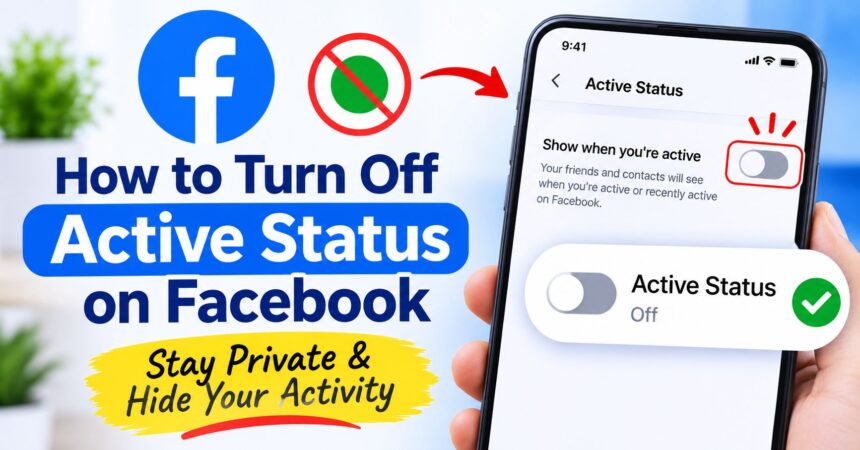
How to Turn Off Active Status on Facebook: Phone, Desktop and Messenger (2026)
How to turn off active status on Facebook: open Settings & privacy > Settings > Active status in the app, switch off Show when you're active and confirm. See desktop, Messenger and Facebook Lite steps, plus fixes if you still appear online.

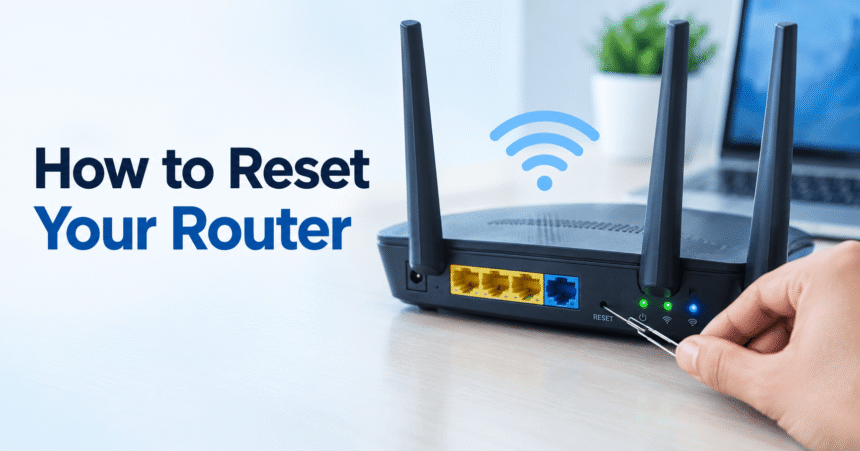
How to Reset a Router: Restart and Factory Reset Guide
Last updated: October 2026 Quick answer: There are two ways to reset a router. A restart (soft reset) means unplugging the power for 30 seconds and plugging it back in. It fixes most slow or dropped connections and keeps all your settings. A factory reset means holding the small reset button for about 10 seconds while the router is on.…


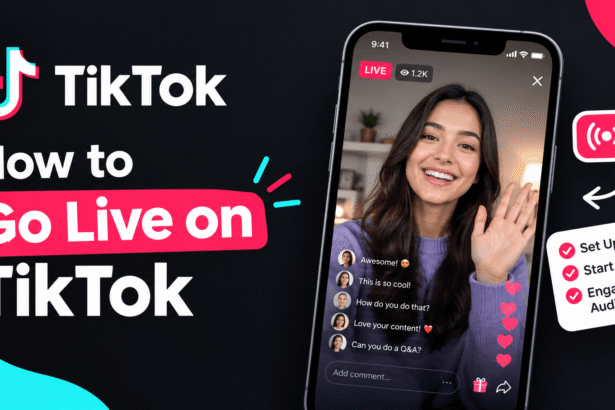
How to Go Live on TikTok: Requirements, Steps and Tips (2026)
Learn how to go live on TikTok, including TikTok LIVE requirements, step-by-step…
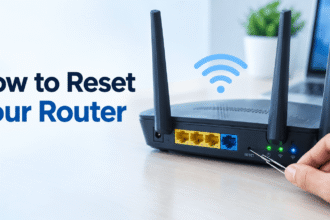
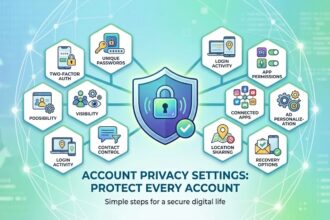
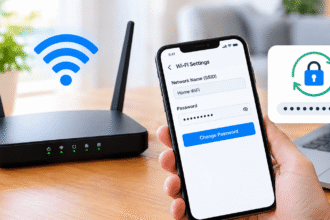
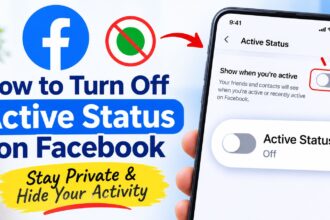
How to Turn Off Active Status on Facebook: Phone, Desktop and Messenger (2026)
How to turn off active status on Facebook: open Settings & privacy > Settings > Active status in the app, switch off Show when you're active and confirm. See desktop,…
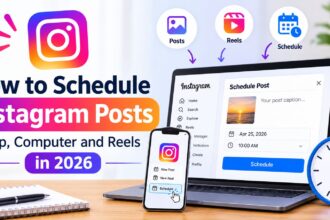
How to Schedule Instagram Posts: App, Computer and Reels (2026)
How to schedule Instagram posts: open Instagram, tap Create (+), choose Post or Reel, add your media and caption, tap More options (Android) or Advanced settings (iPhone), turn on Schedule…
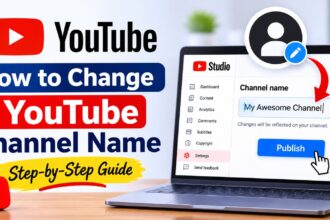
How to Change YouTube Channel Name: Computer, Phone and Handle (2026)
How to change your YouTube channel name: sign in to YouTube Studio on a computer, select Customization from the left menu, open the Profile tab, type your new name in…
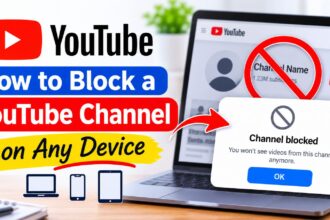
How to Block a YouTube Channel: Computer, Phone and YouTube Kids (2026)
How to block a YouTube channel: YouTube does not have one single "block channel" button for viewers, so the closest option is Don't recommend channel. On Home or Watch Next,…
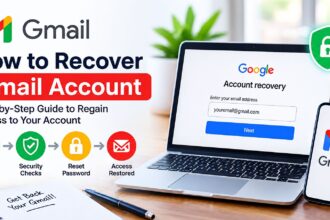
How to Recover Gmail Account: Step-by-Step Guide (2026)
How to recover a Gmail account: go to Google's account recovery page, enter your Gmail address, verify it is you with a code, prompt or past password, then reset your…
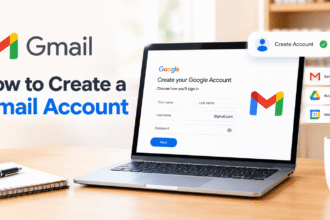
How to Create a Gmail Account: Step-by-Step Guide for Phone and Computer (2026)
Last updated: October 2026 Quick answer: To create a Gmail account, go to the Google account sign-up page, click Create account > For my personal use, enter your name, birthday…

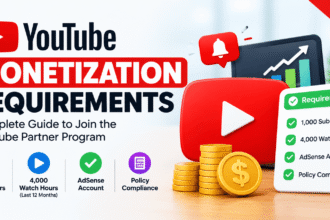
YouTube Monetization Requirements: Subscribers, Watch Hours and 2027 Changes
Last updated: October 2026 Quick answer: To earn ad revenue on YouTube today, your channel needs 1,000 subscribers plus either 4,000 public watch hours in the last 12 months or…

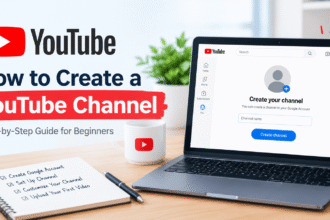
How to Create a YouTube Channel and Upload Your First Video (2026)
Last updated: October 2026 Quick answer: To create a YouTube channel, sign in to YouTube with a Google account, click your profile picture, choose Create a channel, enter your name…