






Latest Tutorials News

Search
Have an existing account?
Sign In
Tutorials

How to Delete a YouTube Channel: Computer, Phone and Hide Option (2026)
How to delete a YouTube channel: sign in to YouTube on a computer, open YouTube Studio, go to Settings >…


How to Delete Browsing History: Chrome, Safari, Edge, Firefox and Phone (2026)
Learn how to delete browsing history in Chrome, Safari, Edge, Firefox, iPhone and Android, how to clear your Google search…

How to Go Live on TikTok: Requirements, Steps and Tips (2026)
Learn how to go live on TikTok, including TikTok LIVE requirements, step-by-step instructions for phone and PC, tips for a…


How to Clear Instagram Cache: iPhone, Android and Browser (2026)
How to clear Instagram cache: on Android, open Settings > Apps > Instagram > Storage & cache and tap Clear…
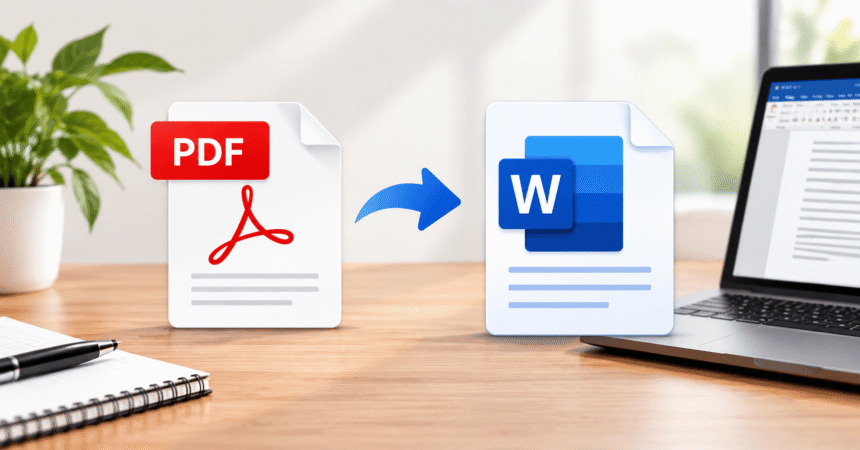
How to Convert PDF to Word: 6 Free Methods That Keep Formatting
How to convert PDF to Word: open Microsoft Word, choose File > Open, select your PDF and click OK. Word…

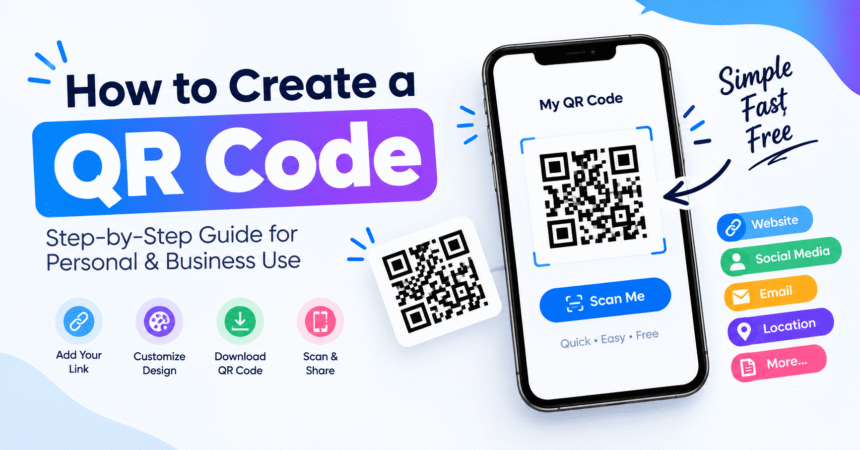
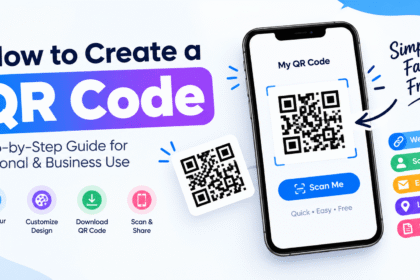
How to Create a QR Code: 5 Free Methods, Step by Step
Last updated: October 2026 Quick answer: To create a QR code, open a free QR code generator, choose the type…

How to Change YouTube Channel Name: Computer, Phone and Handle (2026)
How to change your YouTube channel name: sign in to YouTube Studio on a computer, select Customization from the left…


Technology Tutorials: Step-by-Step Guides for Common Tech Tasks
Technology tutorials are step-by-step guides that teach you how to complete a specific task on a device, app, or network,…


How to Block a YouTube Channel: Computer, Phone and YouTube Kids (2026)
How to block a YouTube channel: YouTube does not have one single "block channel" button for viewers, so the closest…
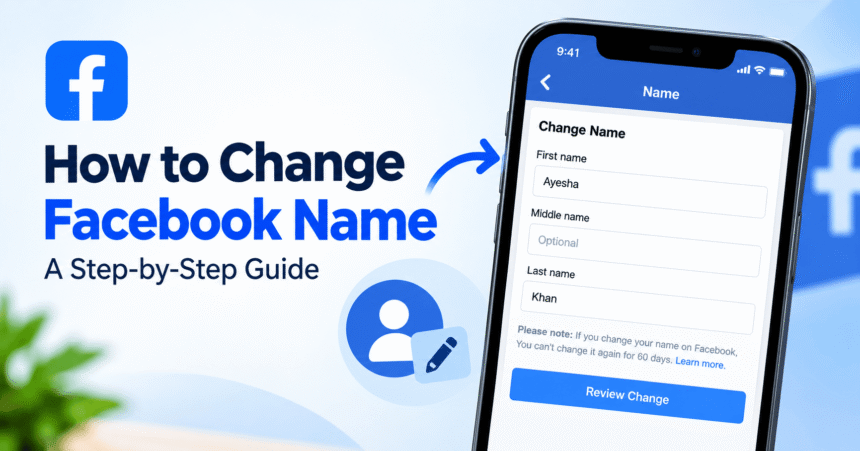
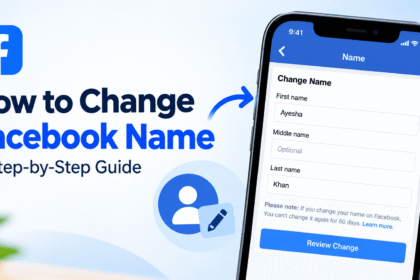
How to Change Facebook Name: iPhone, Android and Computer (2026)
How to change your name on Facebook: open Facebook, go to Settings & privacy > Settings > Accounts Center (called…


How to Schedule Instagram Posts: App, Computer and Reels (2026)
How to schedule Instagram posts: open Instagram, tap Create (+), choose Post…
How to Change YouTube Channel Name: Computer, Phone and Handle (2026)
How to change your YouTube channel name: sign in to YouTube Studio…
How to Block a YouTube Channel: Computer, Phone and YouTube Kids (2026)
How to block a YouTube channel: YouTube does not have one single…
How to Clear Instagram Cache: iPhone, Android and Browser (2026)
How to clear Instagram cache: on Android, open Settings > Apps >…
How to Change Facebook Name: iPhone, Android and Computer (2026)
How to change your name on Facebook: open Facebook, go to Settings…
How to Delete a YouTube Channel: Computer, Phone and Hide Option (2026)
How to delete a YouTube channel: sign in to YouTube on a…
How to Delete Browsing History: Chrome, Safari, Edge, Firefox and Phone (2026)
Learn how to delete browsing history in Chrome, Safari, Edge, Firefox, iPhone…
How to Go Live on TikTok: Requirements, Steps and Tips (2026)
Learn how to go live on TikTok, including TikTok LIVE requirements, step-by-step…
How to Create a QR Code: 5 Free Methods, Step by Step
Last updated: October 2026 Quick answer: To create a QR code, open…
How to Convert PDF to Word: 6 Free Methods That Keep Formatting
How to convert PDF to Word: open Microsoft Word, choose File >…